Hipster Packs: Hipster Packs
- About
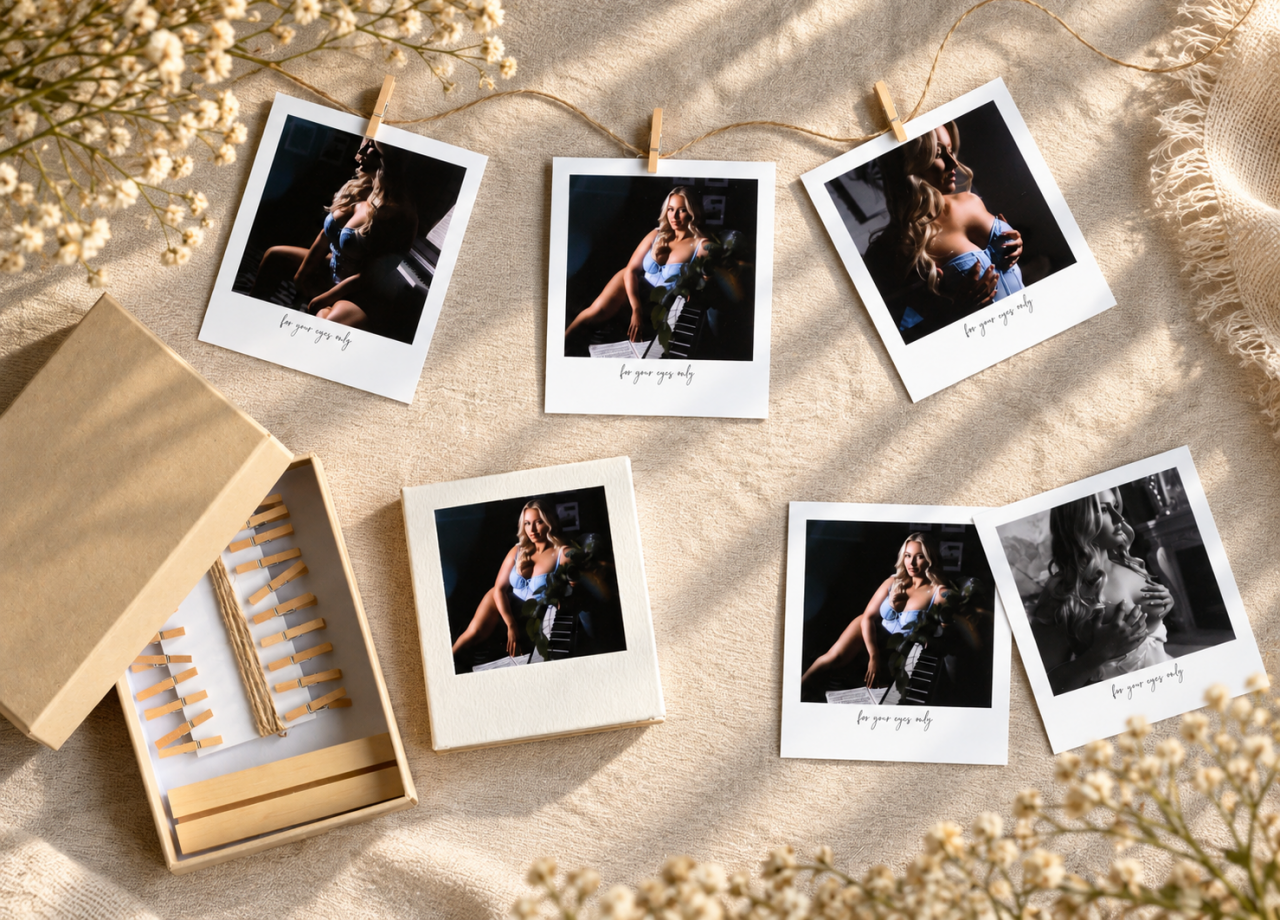
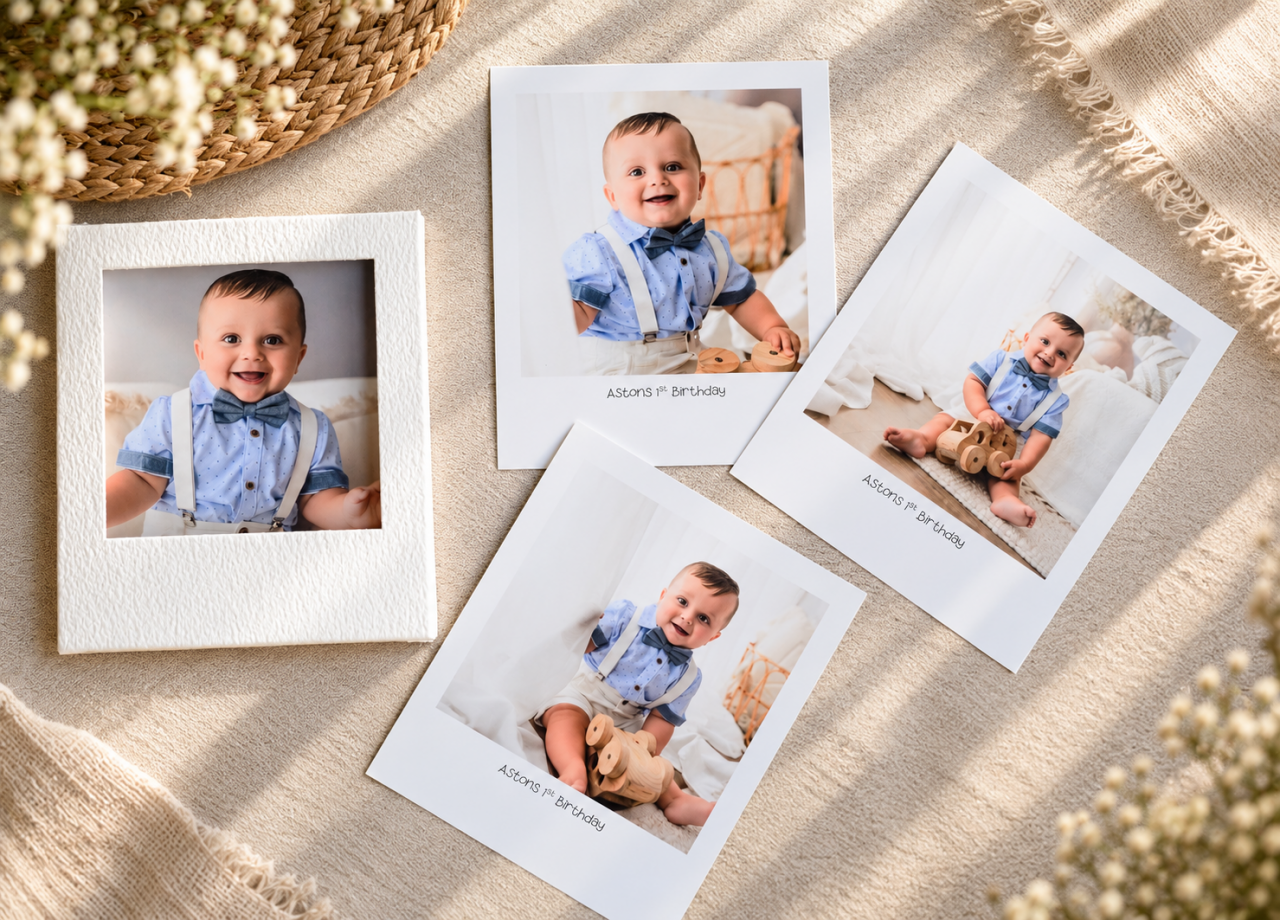
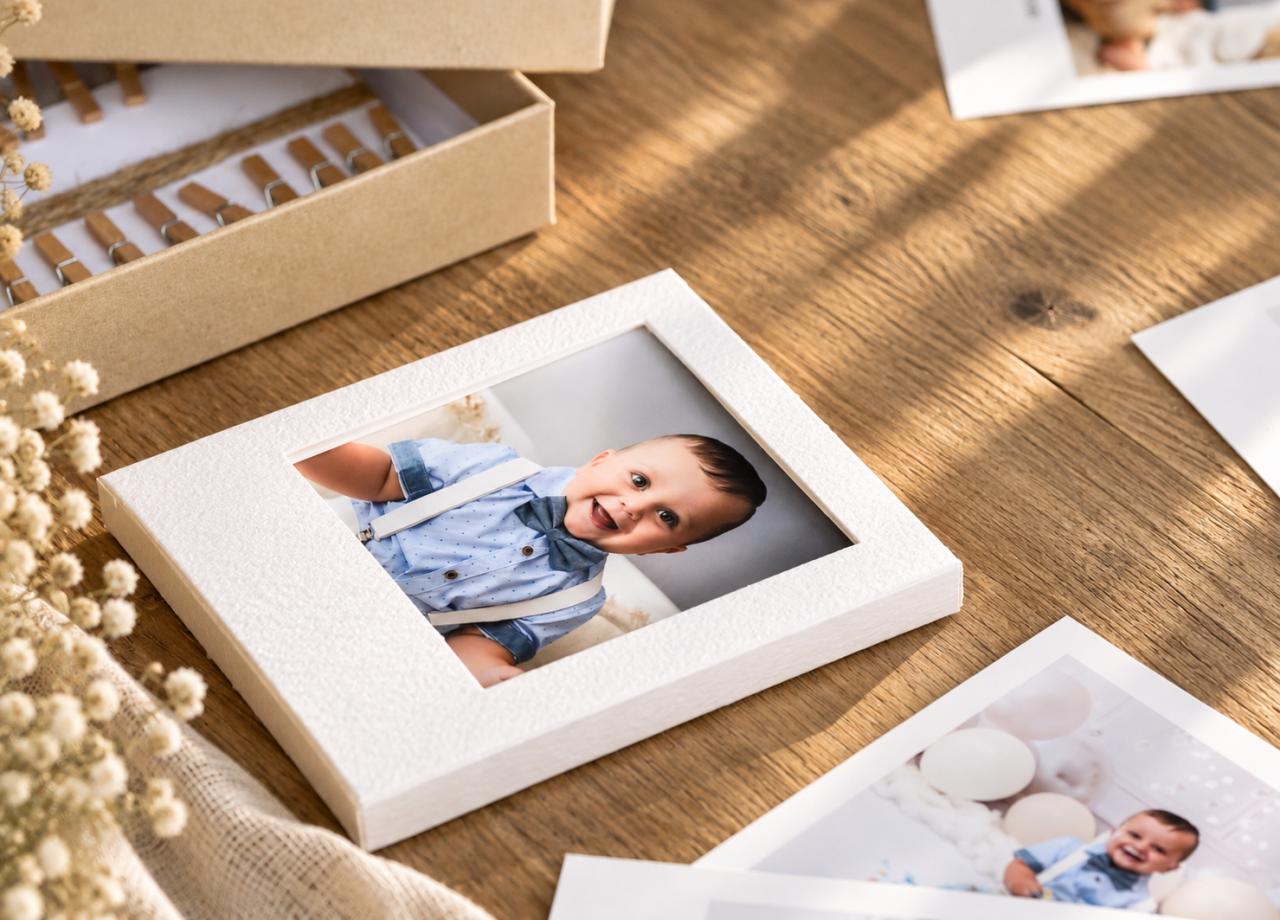
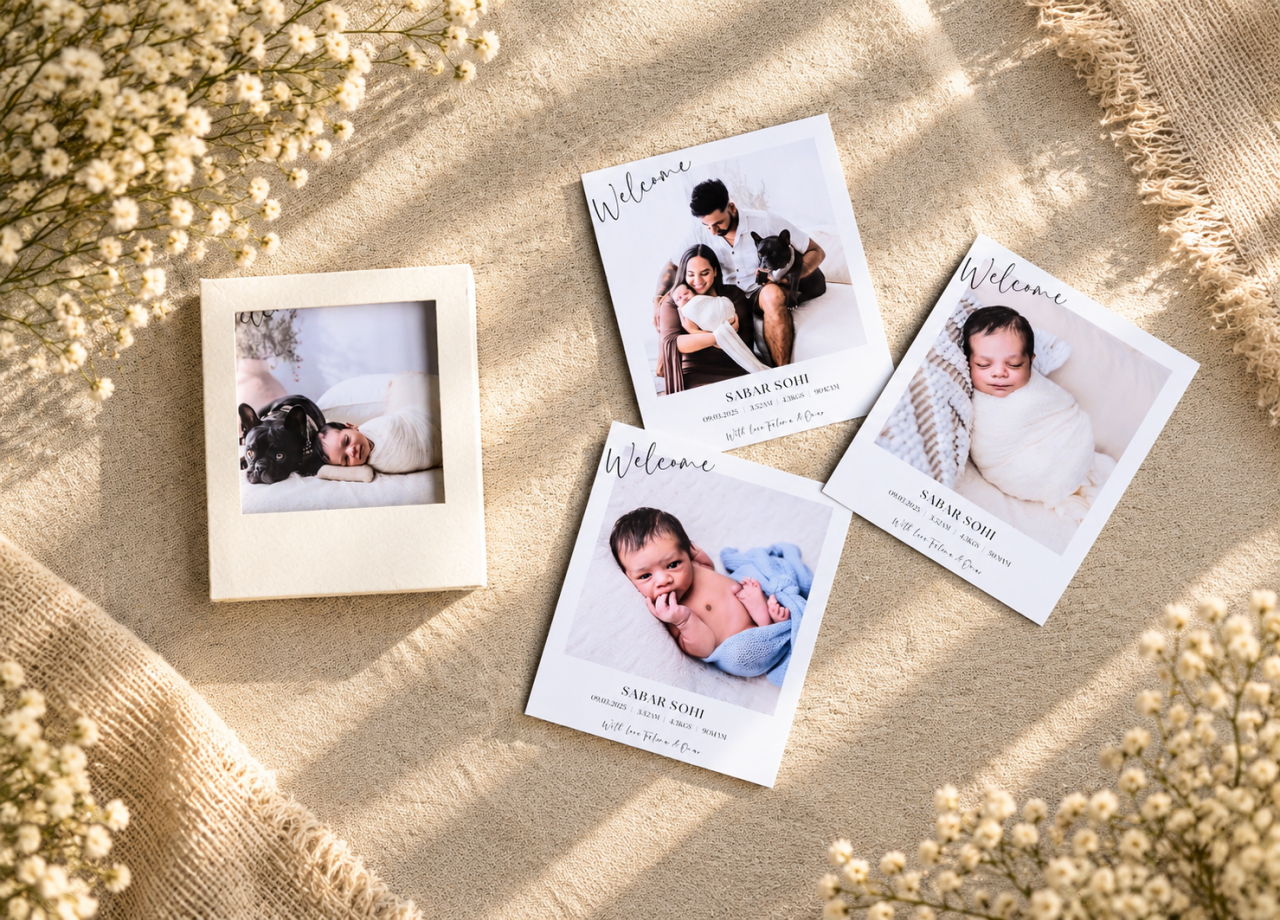
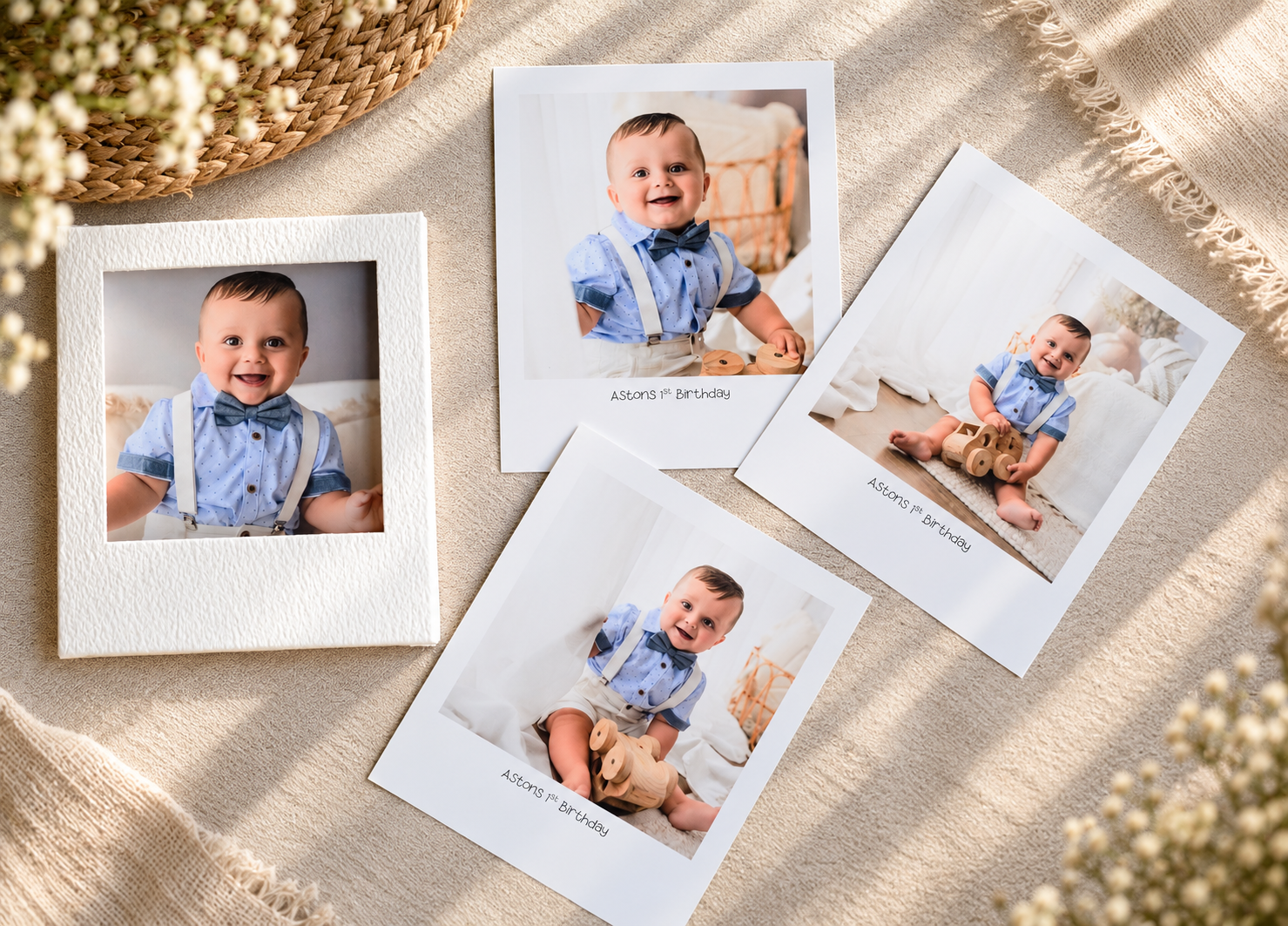
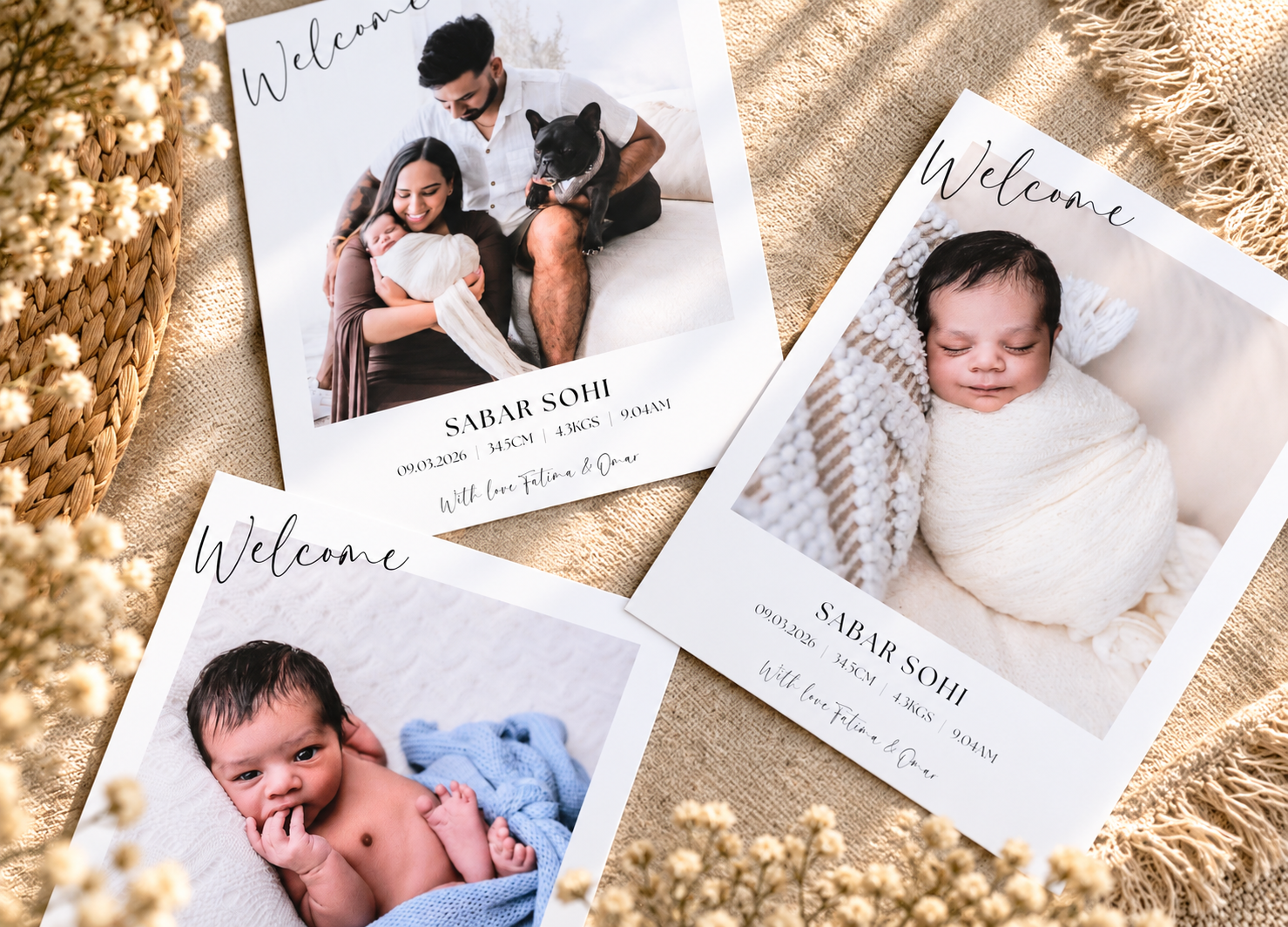
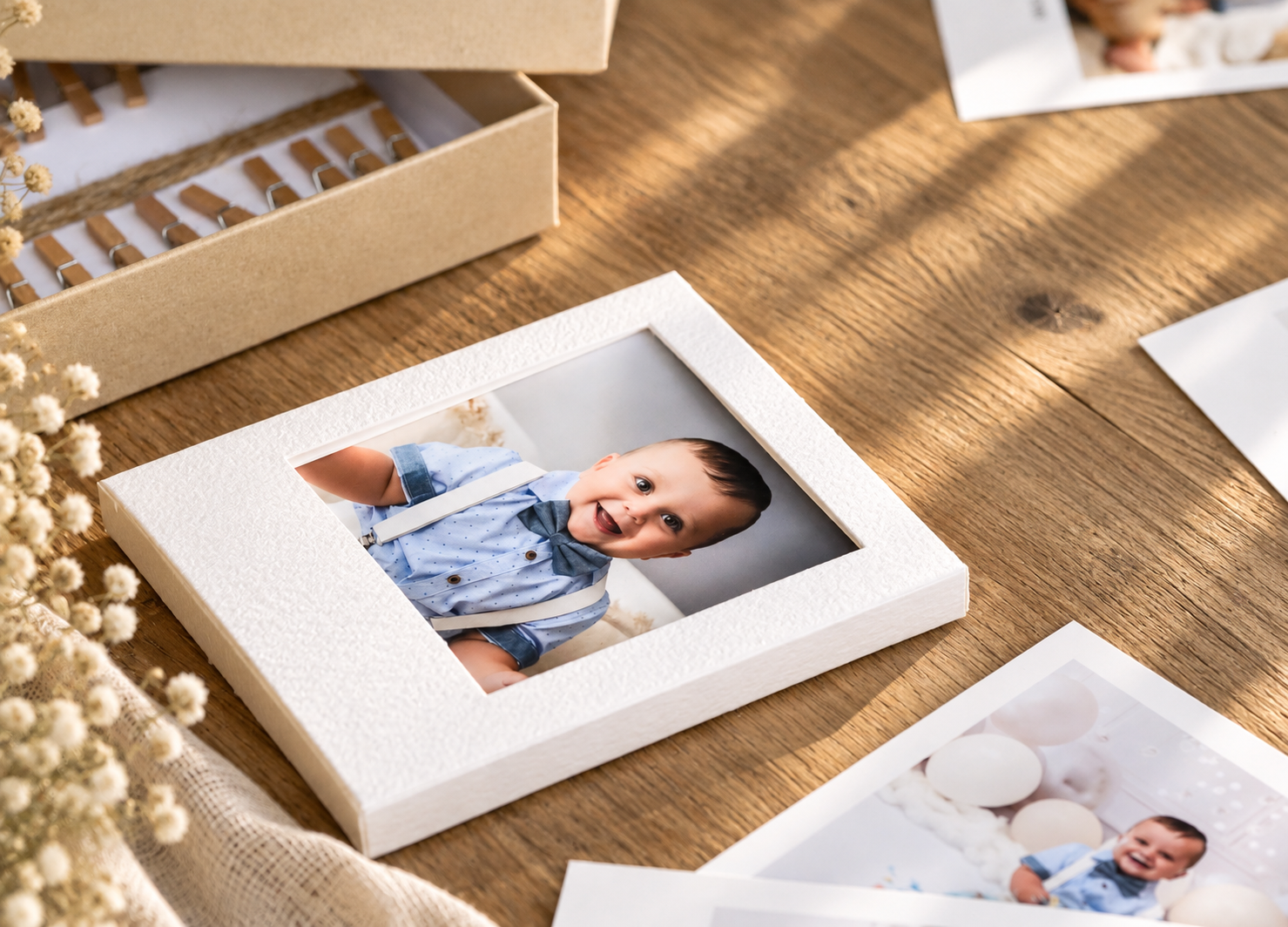
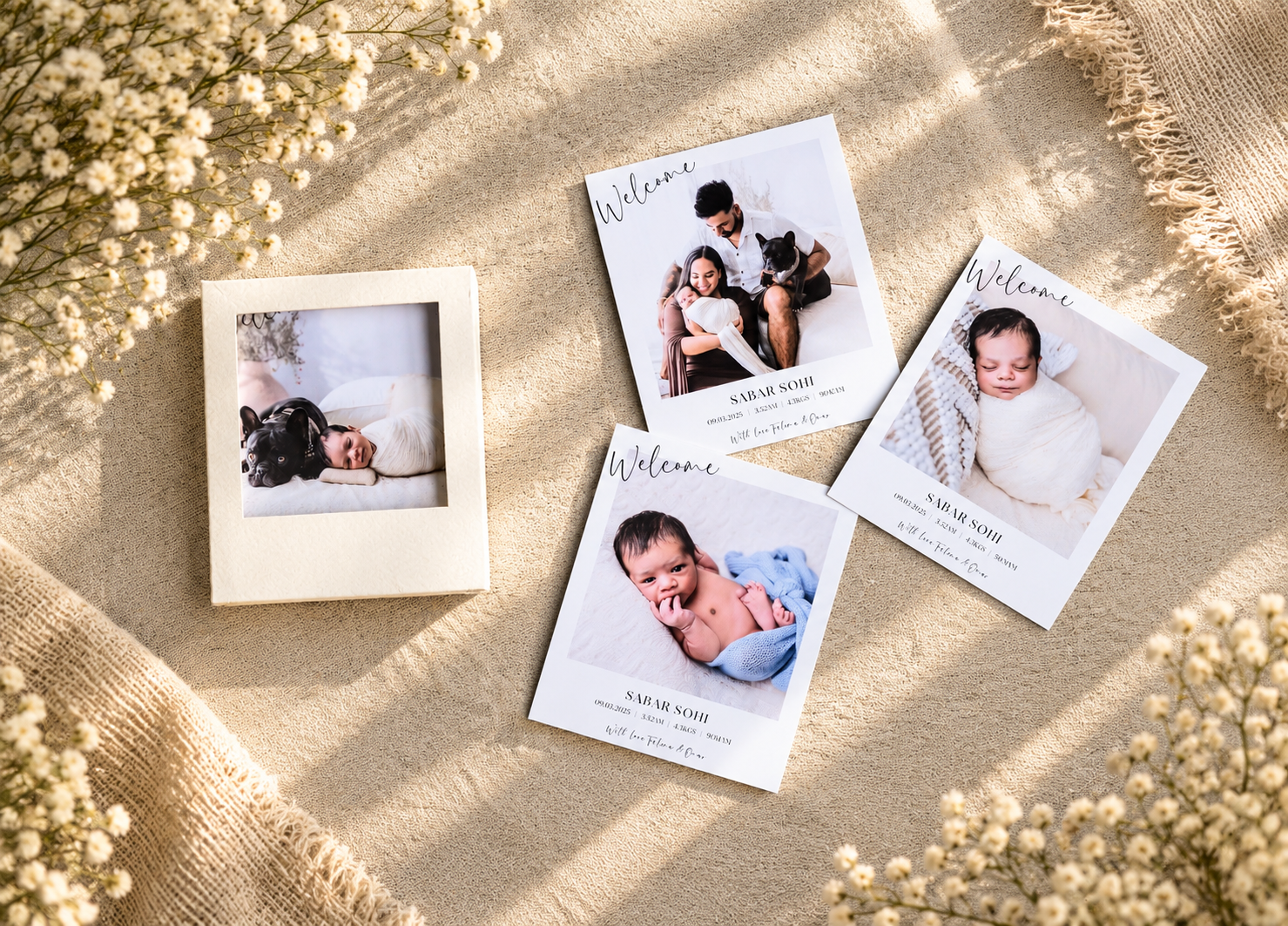
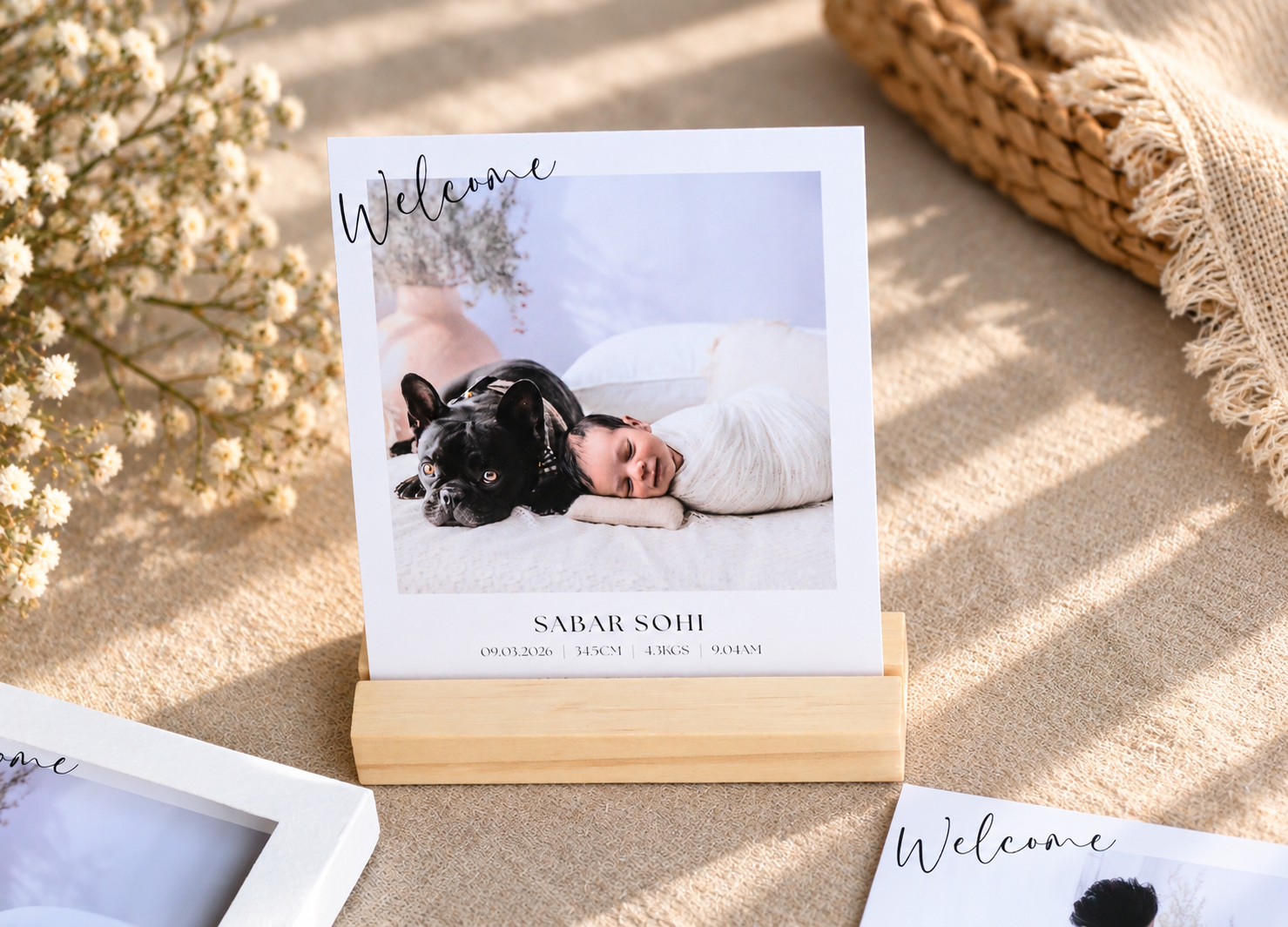
Inspired by the ever-popular Polaroid-style print, our Hipster Packs are a fun and stylish way to showcase a collection of your favourite images.
- Hipster Print size – 4×4.75" (image size approximately 3.25×3.25")
- Choose from Matte – Ivory, Matte – White or Canson Photo Lustre paper
- Available in packs of 10, 15, 20 or 25 prints
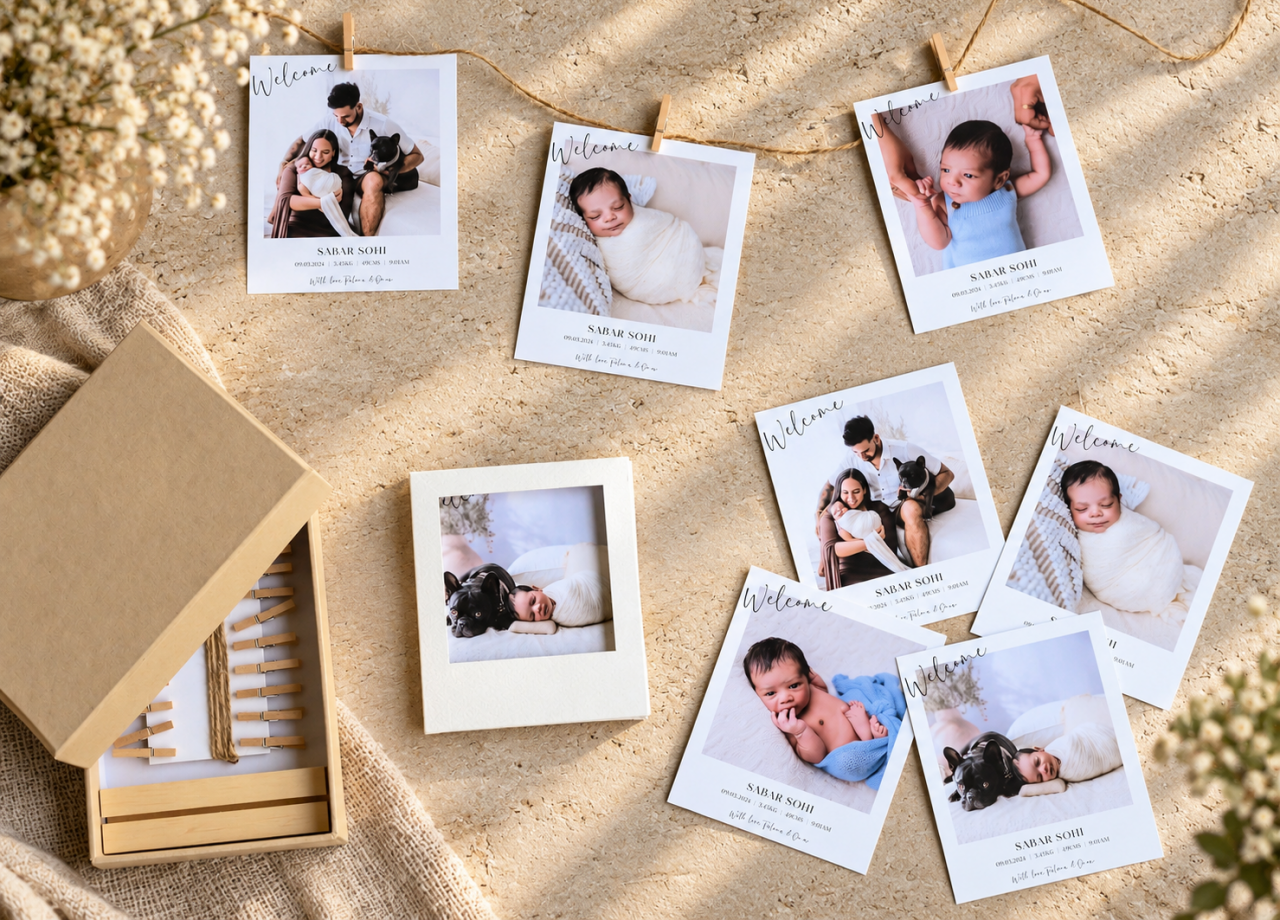
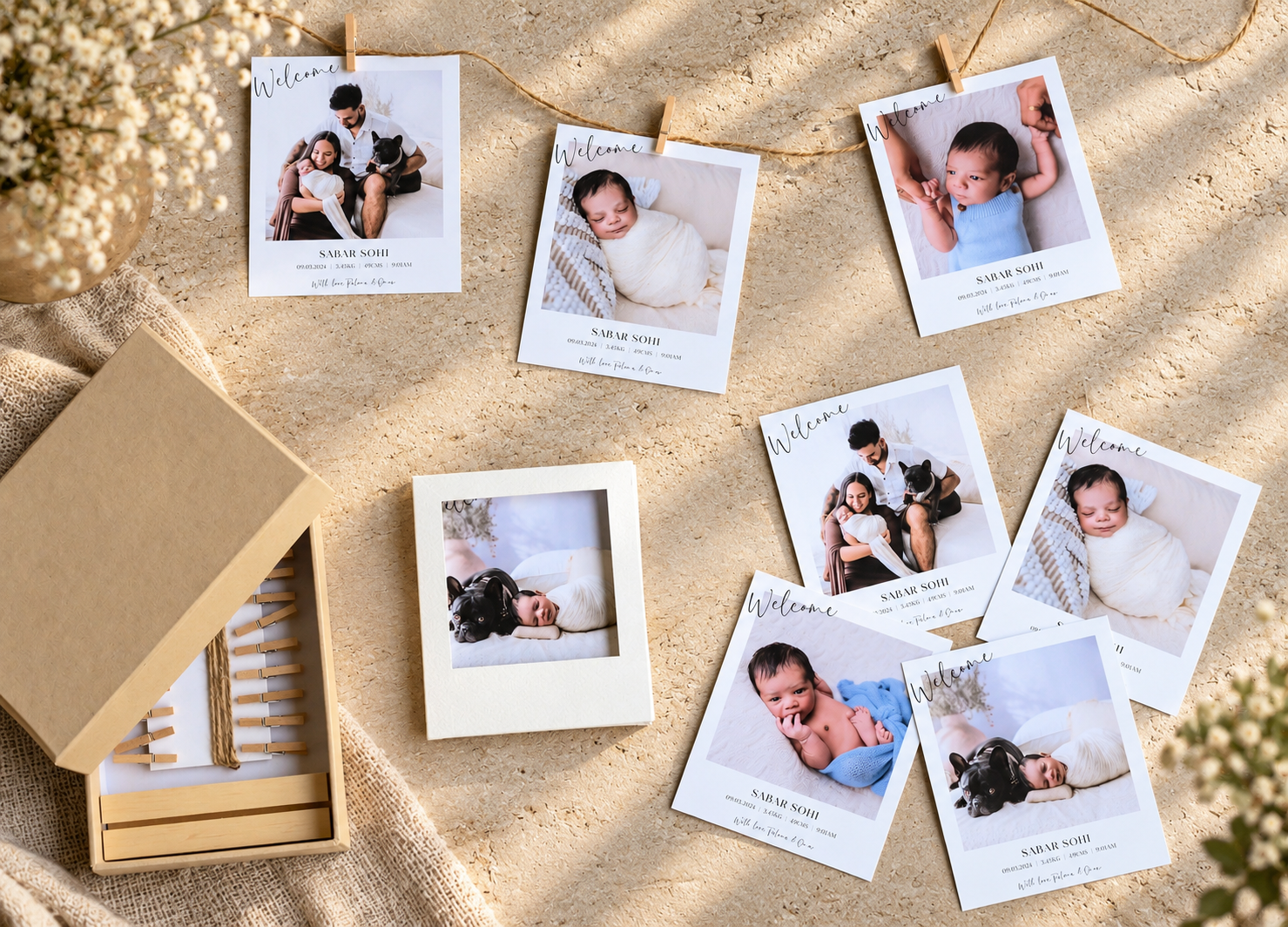
- Beautifully packaged in a white textured box with window cut-out
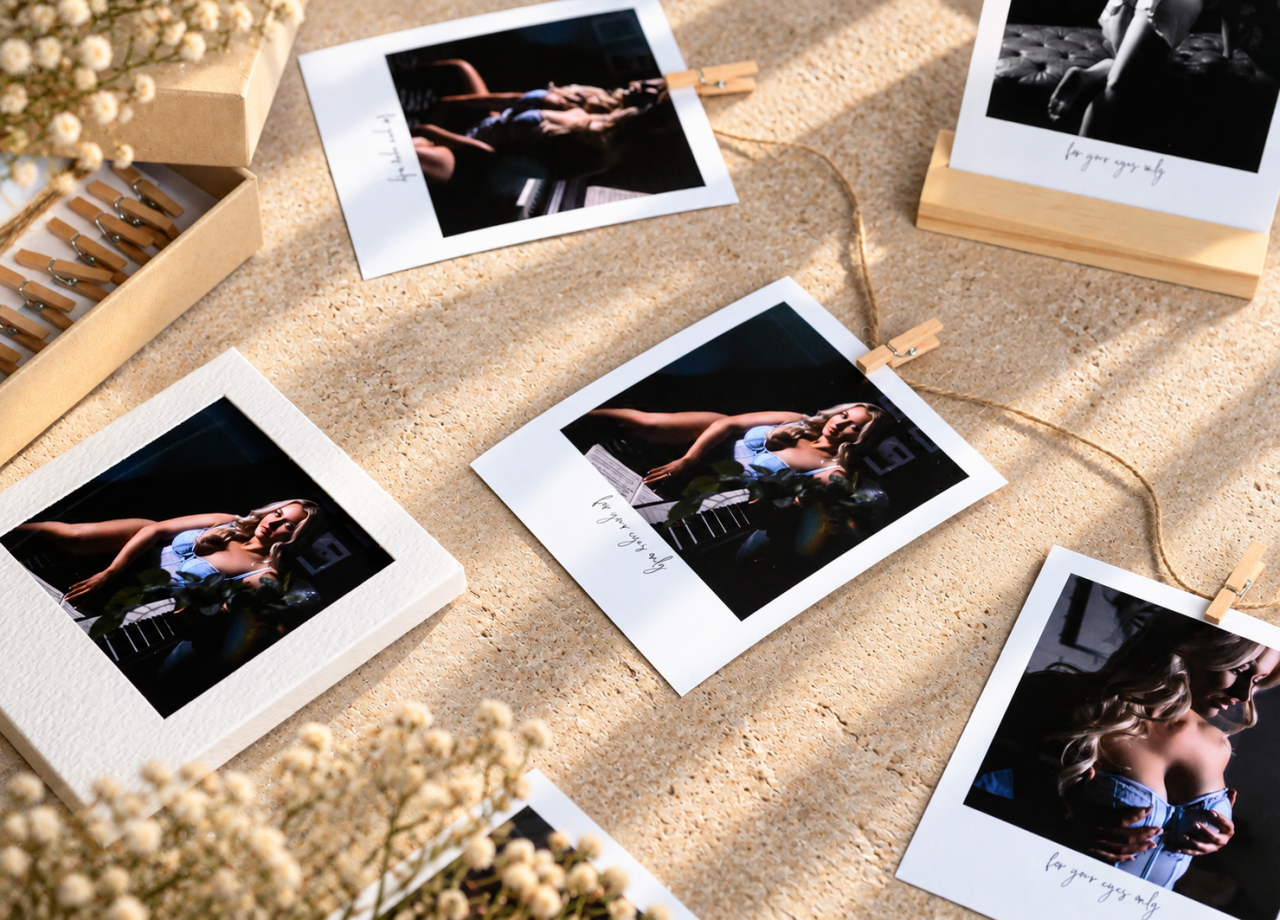
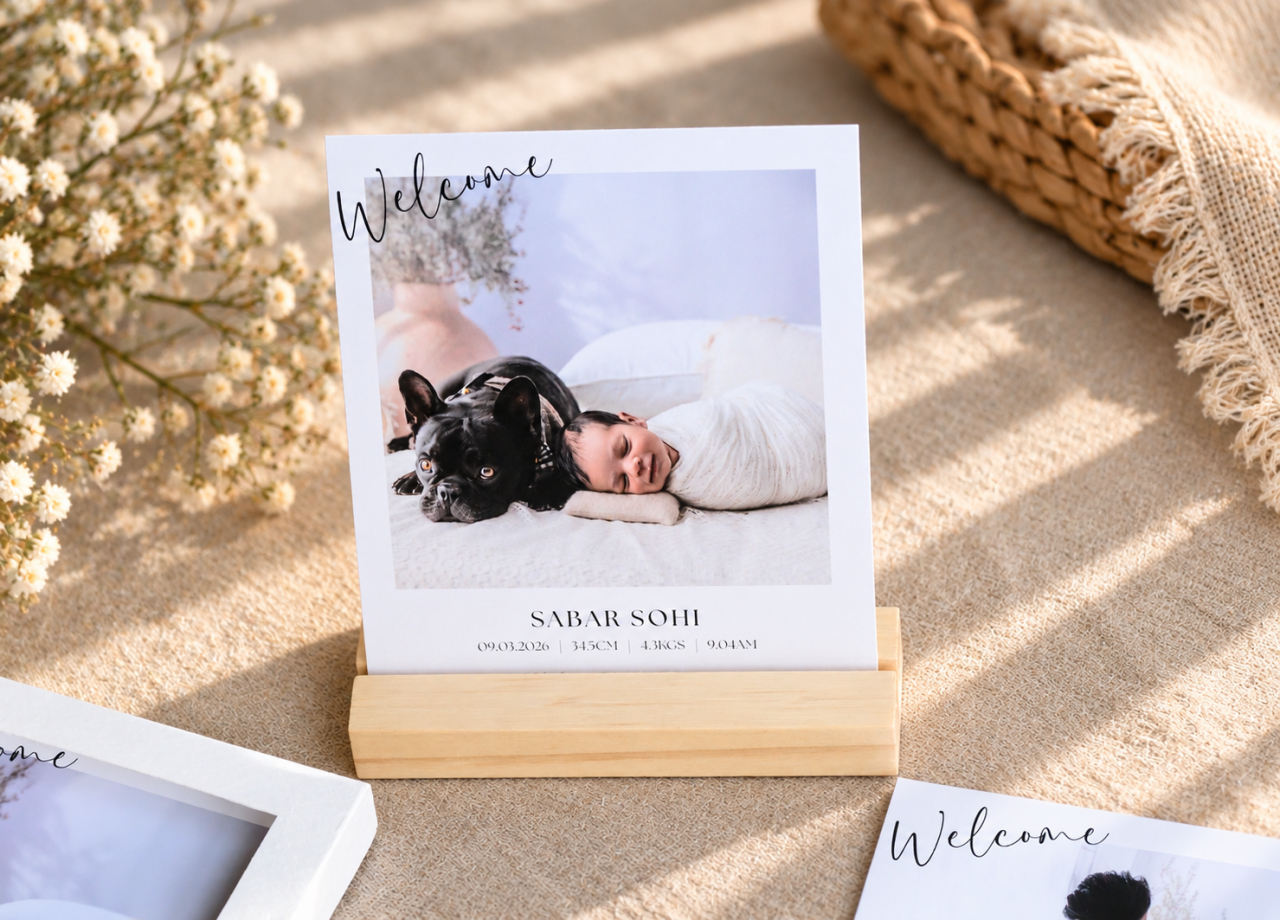
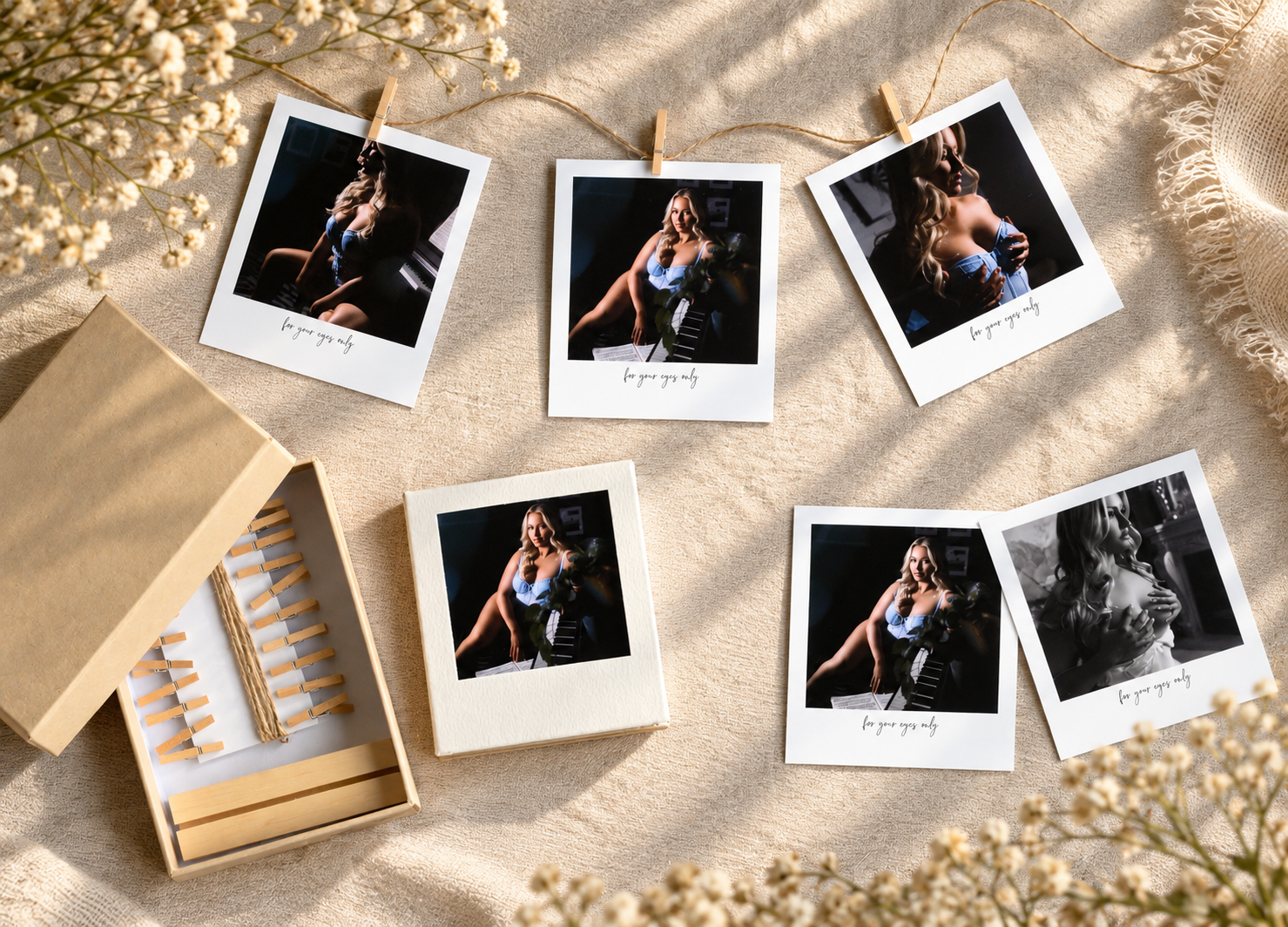
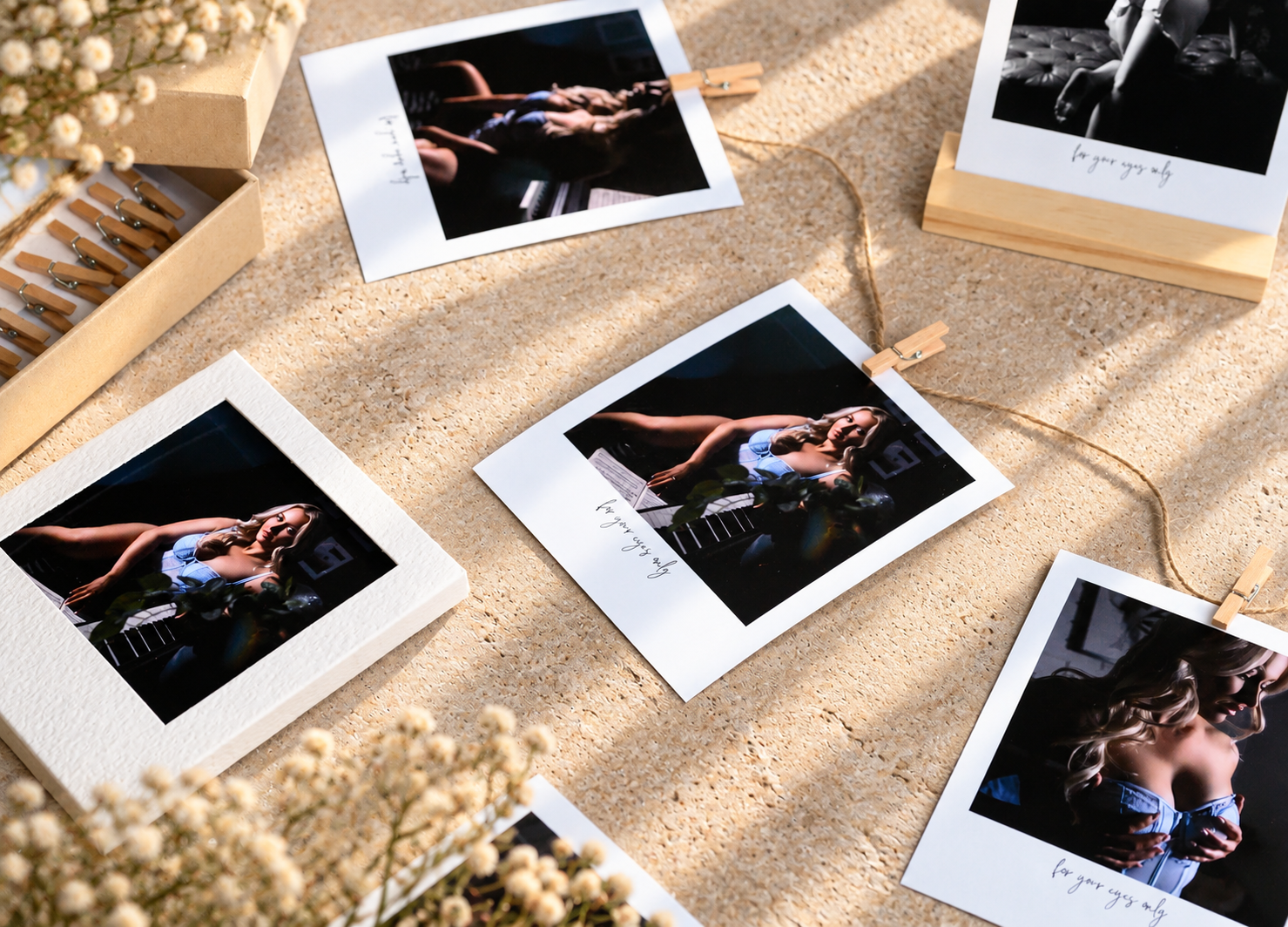
- Optional Accessory Pack includes kraft box, mini pegs, timber easel and twine
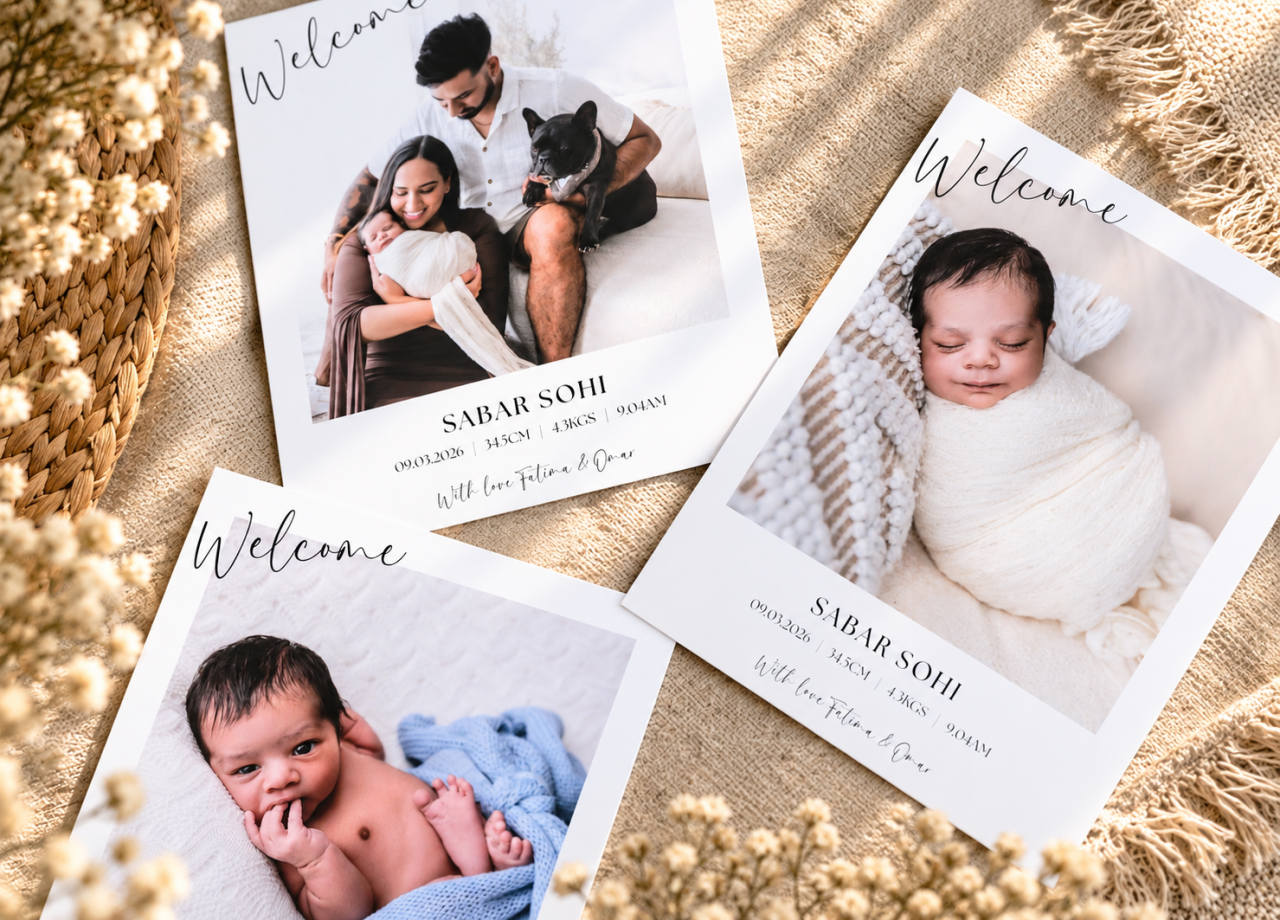
- Perfect for birth announcements, gift sets, client proofs and keepsake collections
- Add text or other design elements to personalise your Hipster Prints
- Allow approximately 3–5 business days for production
DESIGN YOUR HIPSTER PRINTS WITH SDS
Create your Hipster Prints using our FREE Seldex Design Solution (SDS). Add your images, position and crop them within the Hipster layout, and personalise your designs with text or other design elements.
You can also create your Hipster Prints using our Canva templates. Visit the DESIGN tab above for full instructions and to choose the option that works best for you.
NEW TO SELDEX?
If you haven't printed with us before, we highly recommend ordering our FREE test prints so you can compare our paper options and check colour and print quality before placing your Hipster Pack order.
- Design
DESIGN YOUR HIPSTER PACK
There are two easy ways to create your Hipster Pack. Design using our FREE Seldex Design Solution (SDS), or use our ready-made Canva template.
OPTION 1 – DESIGN WITH SDS
Seldex Design Solution (SDS) is our FREE online design software and the easiest way to create your Hipster Pack.
Simply add your images, position and crop them within the Hipster layout, and personalise your designs with text or other design elements if you wish.
Once your designs are complete, export your finished files from SDS ready for your Seldex order.
OPTION 2 – DESIGN WITH CANVA
Prefer to work in Canva? Use our Hipster Pack Canva template to add your images, adjust the crop and personalise your designs.
OPEN THE HIPSTER PACK CANVA TEMPLATE
When your Canva design is complete:
- Click SHARE in the top right corner of Canva
- Select DOWNLOAD
- For File Type, select PDF PRINT
- Make sure all of your finished Hipster pages are selected
- Click DOWNLOAD to save your designs
- Canva will export your designs as a single PDF file
Upload your completed PDF during checkout after placing your Hipster Pack order.NEED HELP?
If you're new to designing Hipster Packs, we recommend starting with SDS. It's quick and easy to use and has been created specifically for Seldex products.