Test Prints: TEST PRINTS
- About
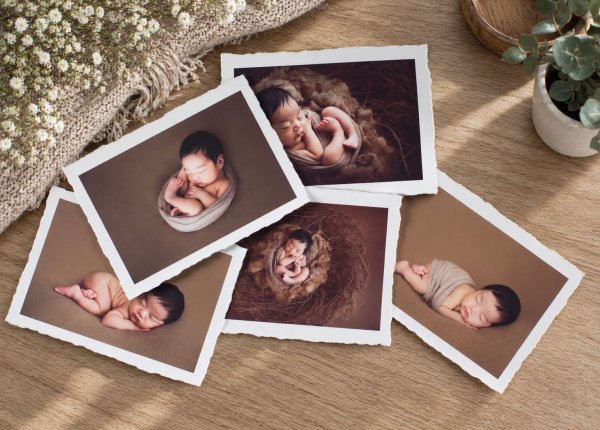
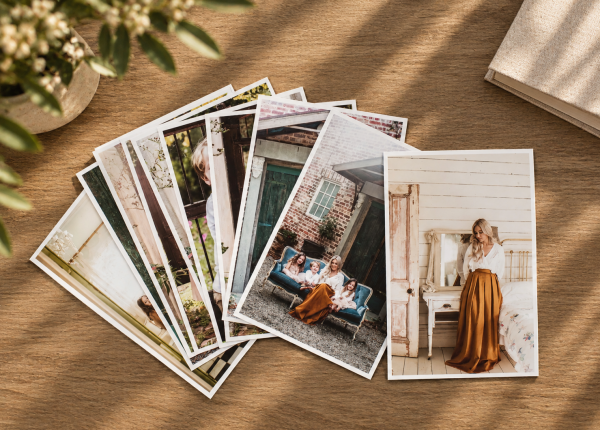
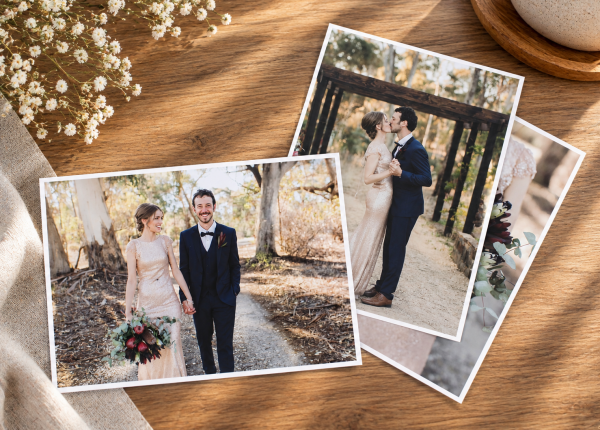
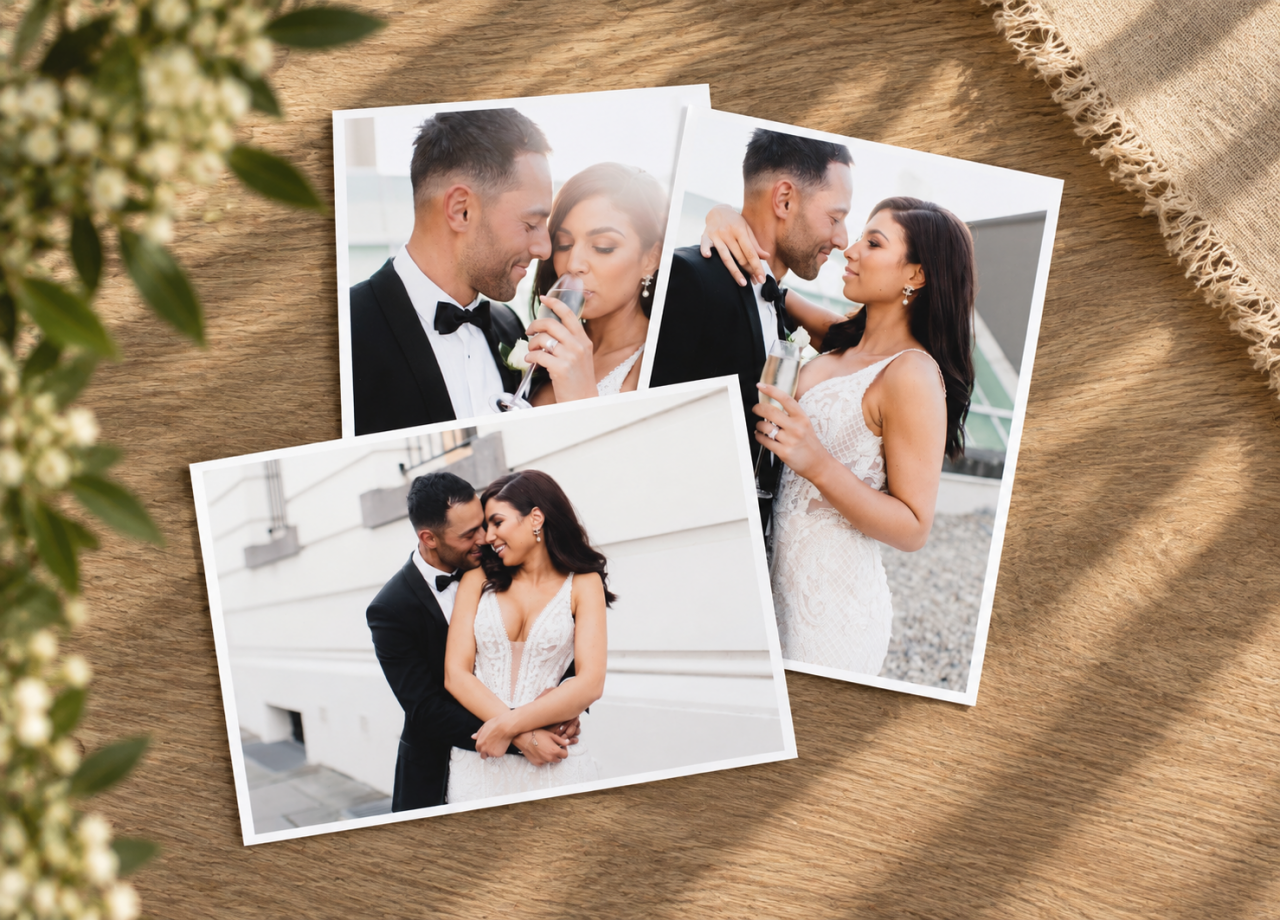
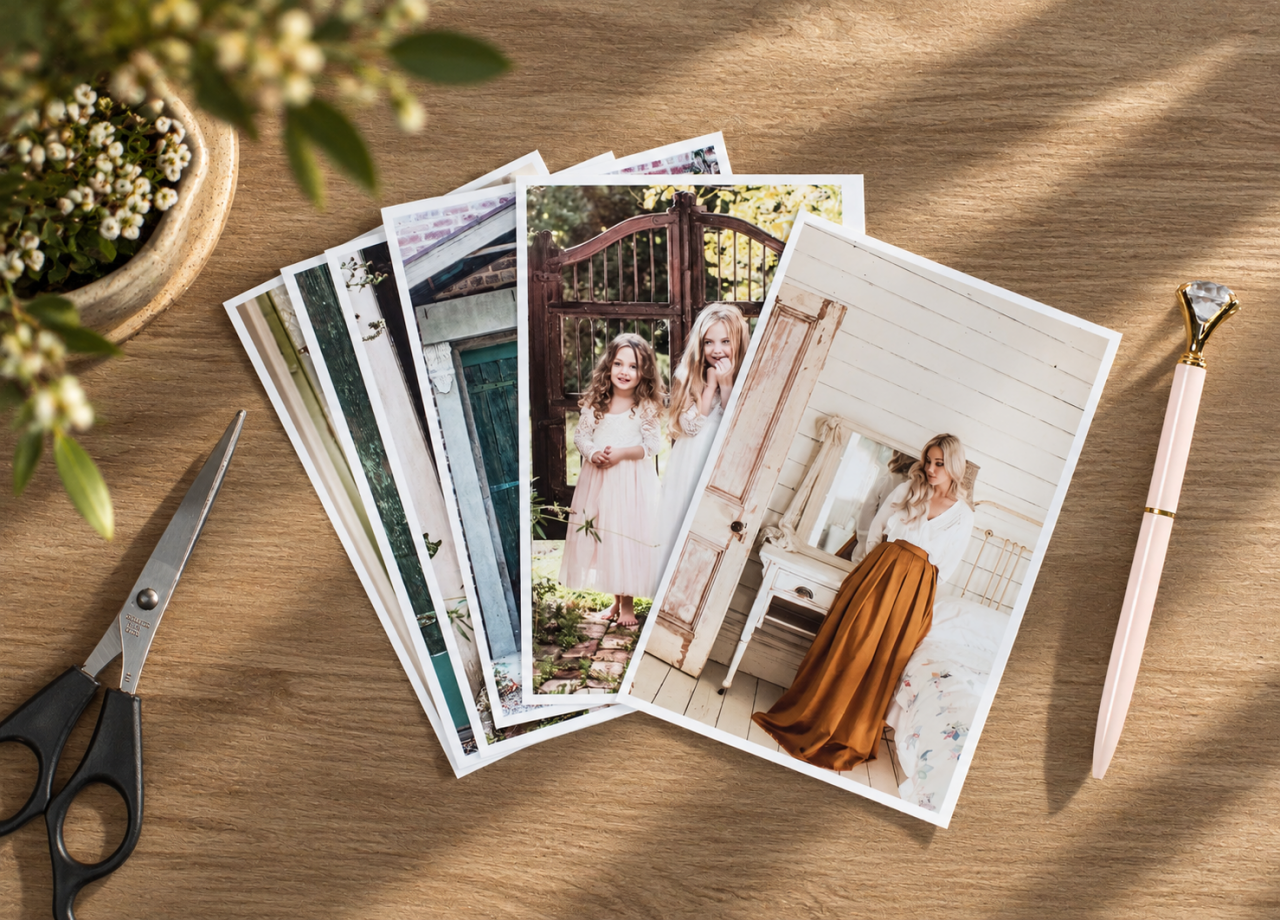
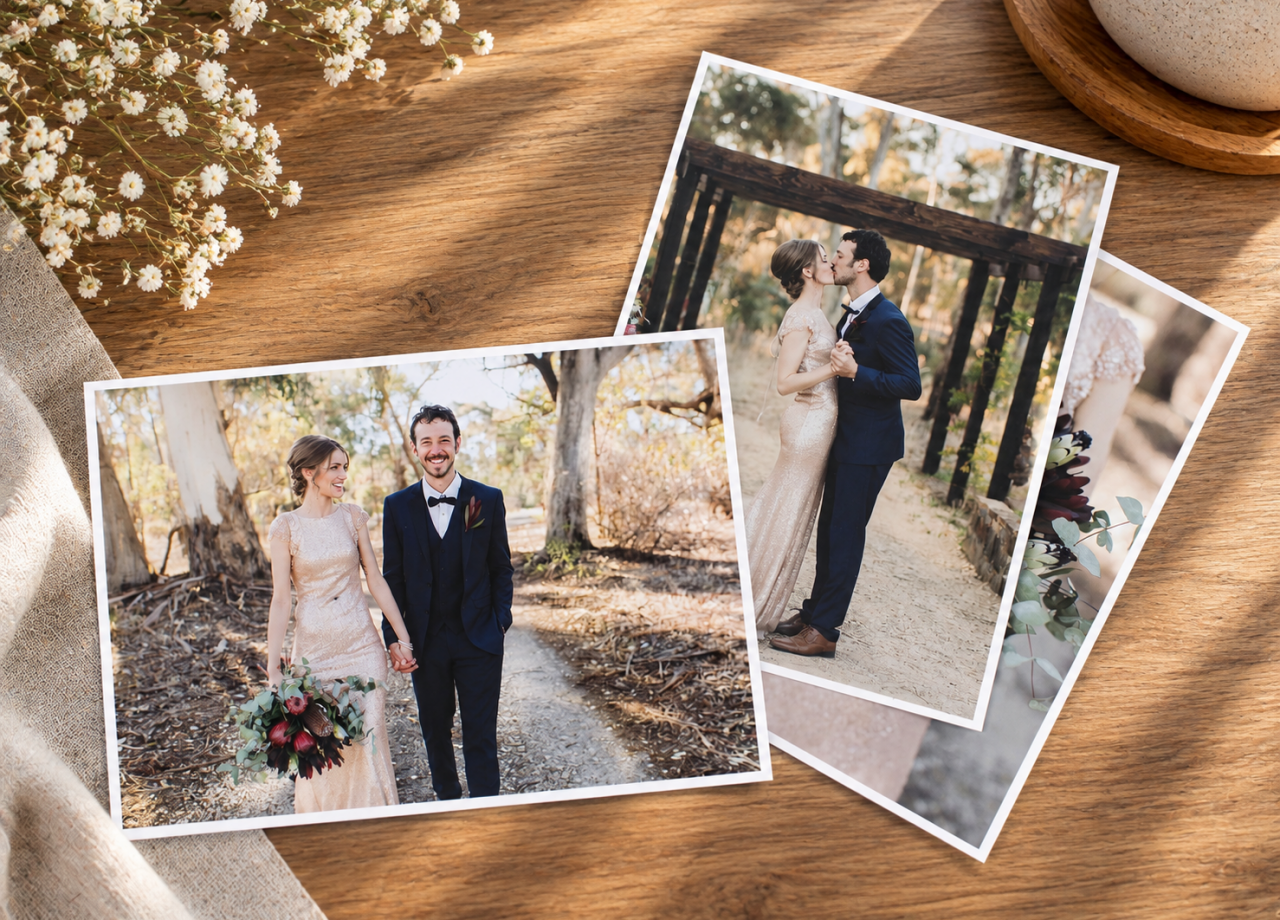
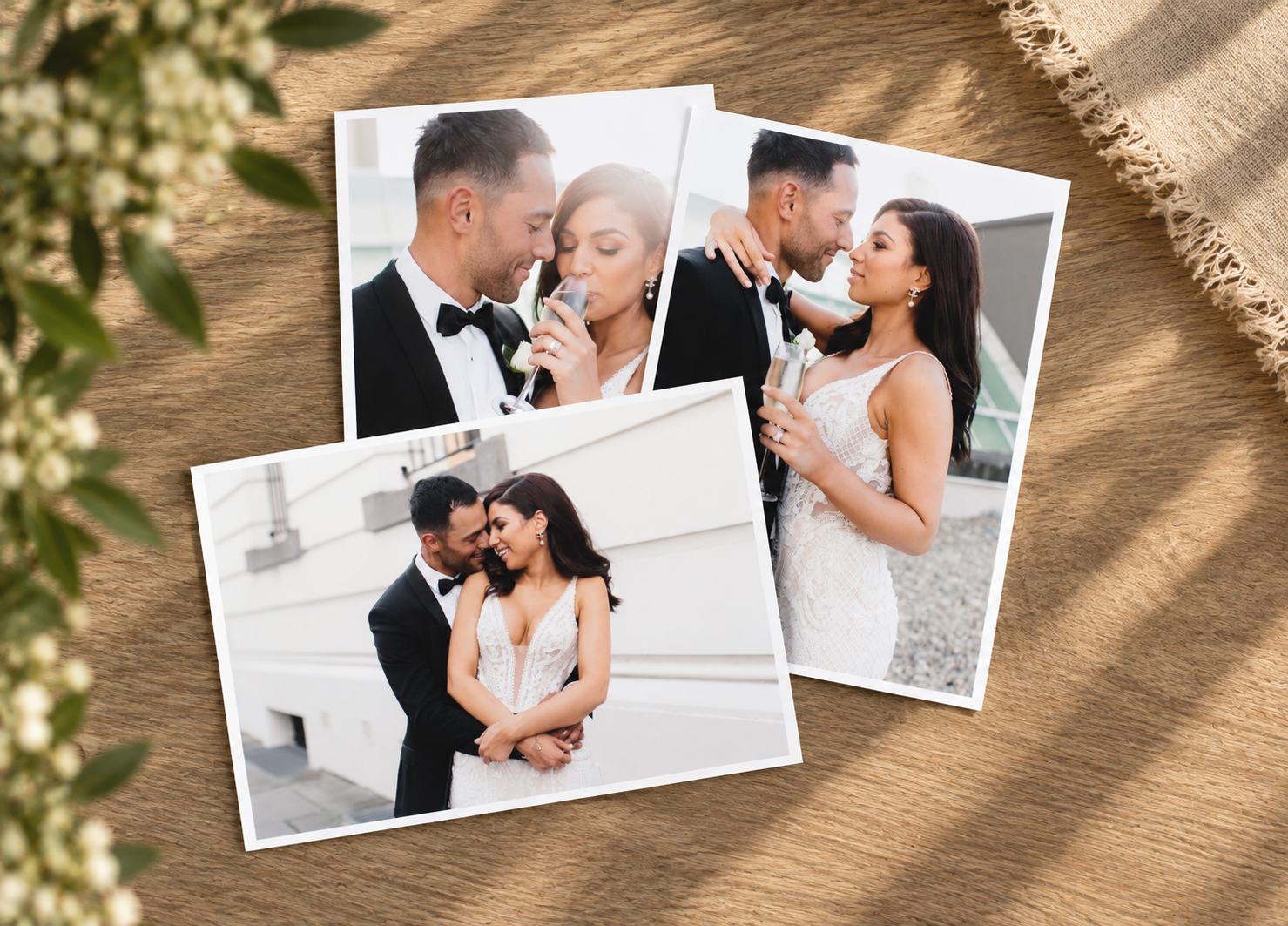
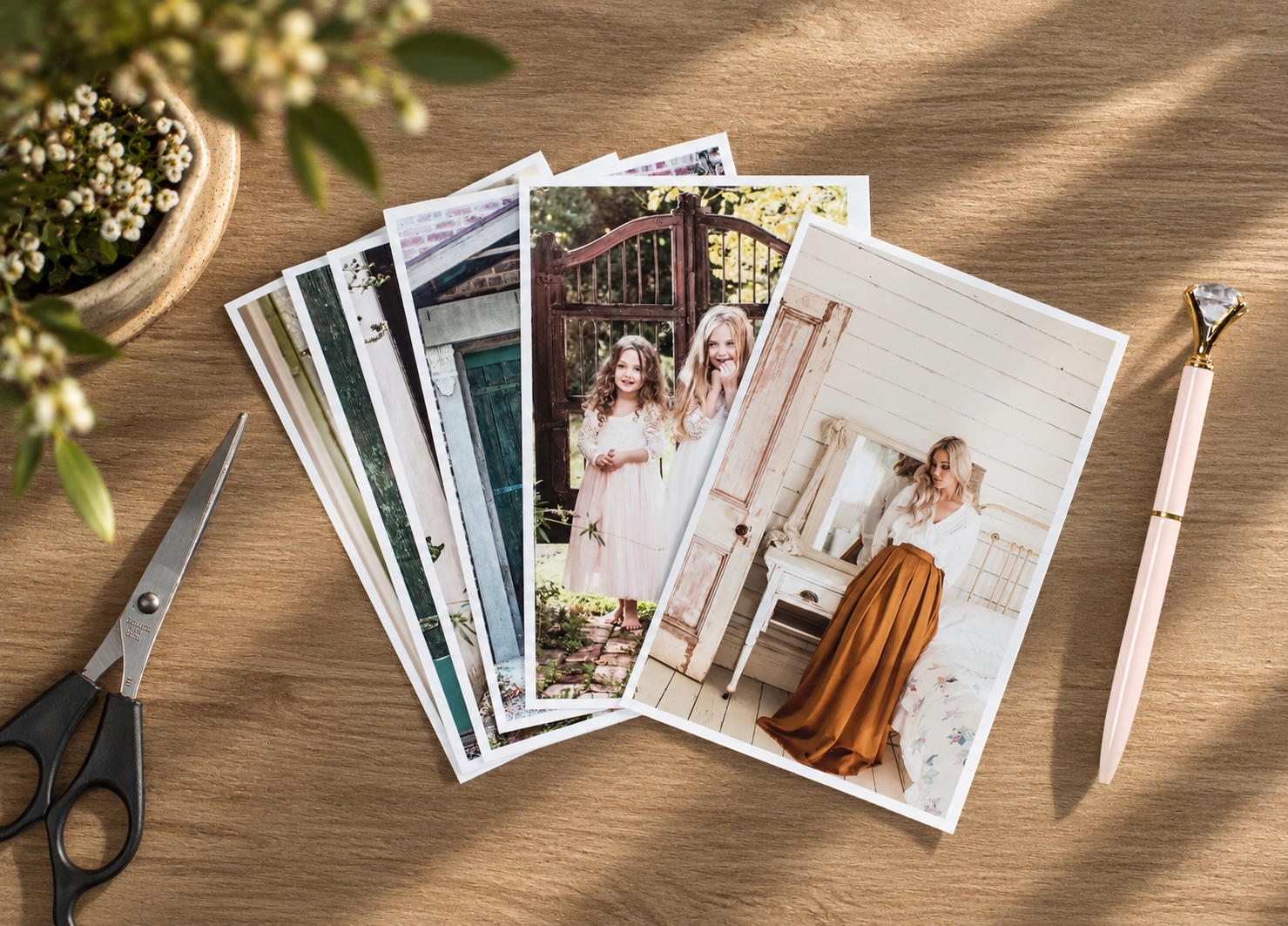
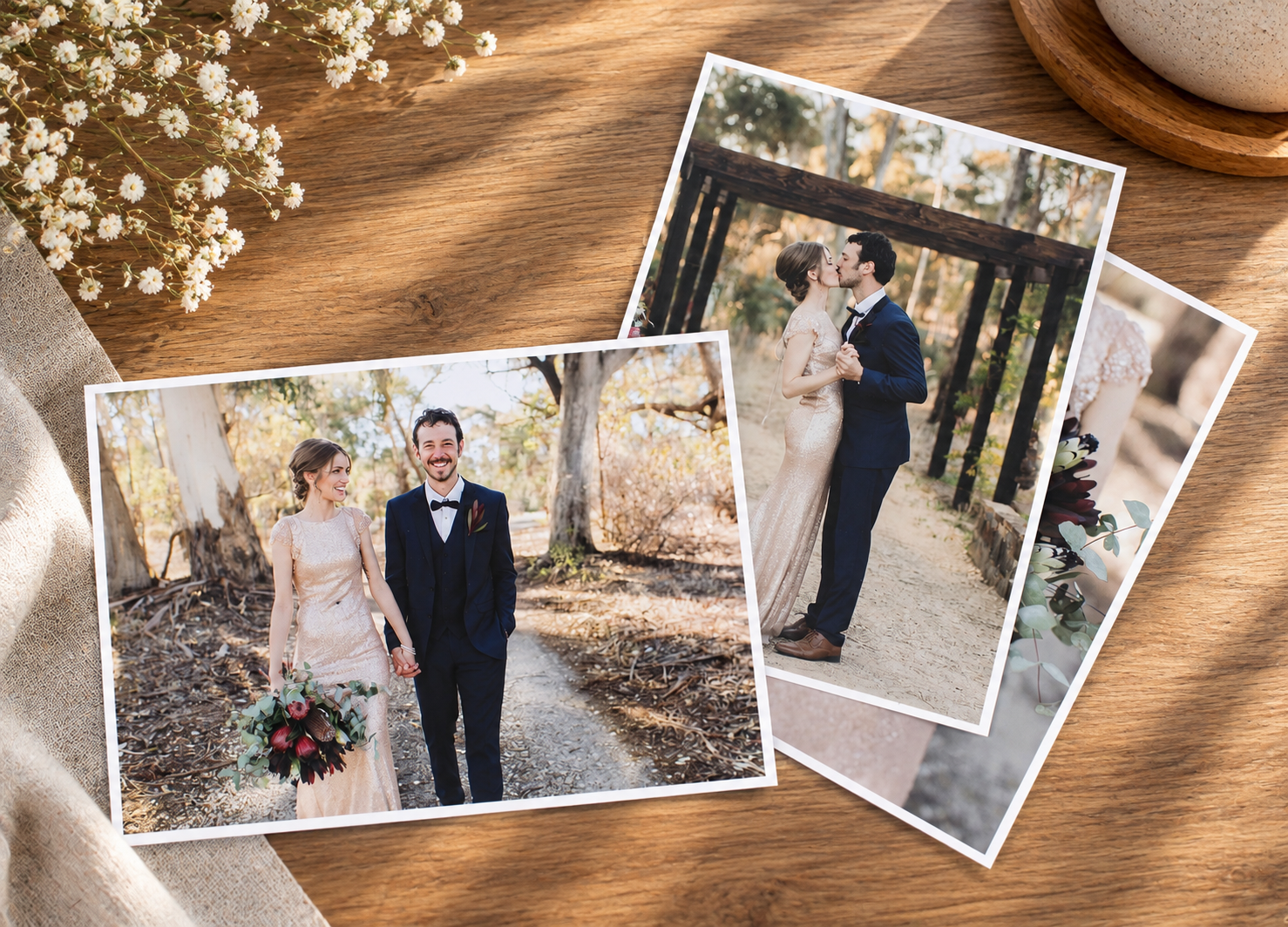
Every printer, paper and workflow is different - and your images deserve to look exactly how you expect them to. Our free test prints let you see, feel and compare before committing to a full order.
Your images will be printed on:
• Lustre
• Matte Ivory
• Matte WhiteThis means you can:
✔️ Check colour and density
✔️ See how your edits translate across papers
✔️ Choose the perfect paper for your style
✔️ Print with confidenceIt’s free. It’s easy. And it can save you time, money and reprints later.
Here's how to redeem this offer:
Send us up to 5 8x10" images or 2 album spreads
For best results, choose a mix of images with different colours, exposures, tones, gradients and temperatures — this gives you the clearest picture of how your work will print overall.When comparing your prints to your screen, make sure you’re viewing them on a good quality, calibrated monitor in neutral lighting conditions. This is key to an accurate comparison.
This offer is available once per customer.
PREPARE YOUR FILES WITH SDS
You can use our FREE Seldex Design Solution (SDS) to quickly crop and prepare your images to the correct size for your Photo Lustre Print order.
Want to add a white border to your print? It's quick and easy to create in SDS, giving you complete control over the finished look of your image before ordering.
- Design
PREPARE YOUR PRINT FILES
Before ordering, your images must be cropped and sized to the exact print dimensions you are ordering. Files straight from your camera are uncropped and generally too large, so they cannot simply be uploaded without first being prepared to the correct size.
You can prepare your files using our FREE Seldex Design Solution (SDS), or crop and size them yourself using Photoshop or similar image editing software.
OPTION 1 – PREPARE YOUR FILES WITH SDS
Seldex Design Solution (SDS) is the easiest way to prepare your print files and is completely FREE to use.
Select the print size you would like to order, add your image and use SDS to position and crop it correctly. You can also easily create a white border around your image if you'd like one.
Once your image is ready, export your finished file from SDS ready for your Seldex order.
OPTION 2 – PREPARE YOUR OWN FILE
If you prefer to prepare your images yourself in Photoshop or similar image editing software, your finished file must be cropped and sized to the exact dimensions of the print you are ordering.
For example, if you are ordering an 8 × 10" print, your finished image file must be cropped and sized to 8 × 10" at 300dpi before uploading.
File specifications:
- File format: JPEG
- Colour space: Adobe RGB (1998) or sRGB
- Resolution: 300dpi
- Image dimensions: Must match the print size ordered
IMPORTANT – CHECK YOUR FILE SIZE & CROP
We do not check customer files for cropping or sizing accuracy before printing. Please ensure your image has been colour corrected, correctly cropped and sized to the print dimensions ordered before uploading.
If the aspect ratio of your file does not match the print size selected, your finished print may not be cropped or sized as you intended. Seldex cannot be responsible for incorrectly prepared customer files.